
What a Clayton County Court Docket Shows
The docket section on a Clayton case page is a chronological list of every event in the case. Each row has an action date, a docket action label, and a description. A docket entry can be a filing, a court date, a payment, an order, or a final disposition. The case summary above the docket names the judge, the filing date, and the status. The parties section lists the plaintiff, the defendant, and the attorney for each side.
The sample State Court traffic case inspected on the public portal showed several docket-entry types in one record. The list below comes from that case and is a good guide for what a typical Clayton docket can include.
| Docket Action | Meaning |
|---|---|
| Case Filing | Original charge or claim that opened the case. |
| Calendar | Scheduled court date with time, room, and calendar type. |
| Event Outcome | Result of a hearing or scheduled event. |
| Receipt | Court receipt for a payment, with the dollar amount. |
| Cash Bond Forfeiture | Bond paid is treated as the fine after a missed appearance or guilty plea by payment. |
| Final Case Disp | Final case disposition. Closes out the case. |
The portal links a Docket Information Help sheet with abbreviation definitions for these entries.
How to Search Clayton County Court Dockets
The official Clayton County Court Case Inquiry is the entry point. Civil dockets sit in the civil database. Criminal and traffic dockets sit in the criminal database. The portal asks for a court selection up front, so users who only have a name should usually choose All Courts on a name search.
- Open Court Case Inquiry and choose Civil Search or Criminal Case Search.
- Choose Name Search to find a case by party, or Case Search to load a known case number.
- Select a court: State, Magistrate, Superior, or All Courts on a name search.
- Enter a last name with optional first initial, or enter year, two-letter type, five-digit sequence, and optional division.
- Click the linked case number in the result row to open the docket.
- Scroll to the Case Docket Information table to see the full chronological list of events.
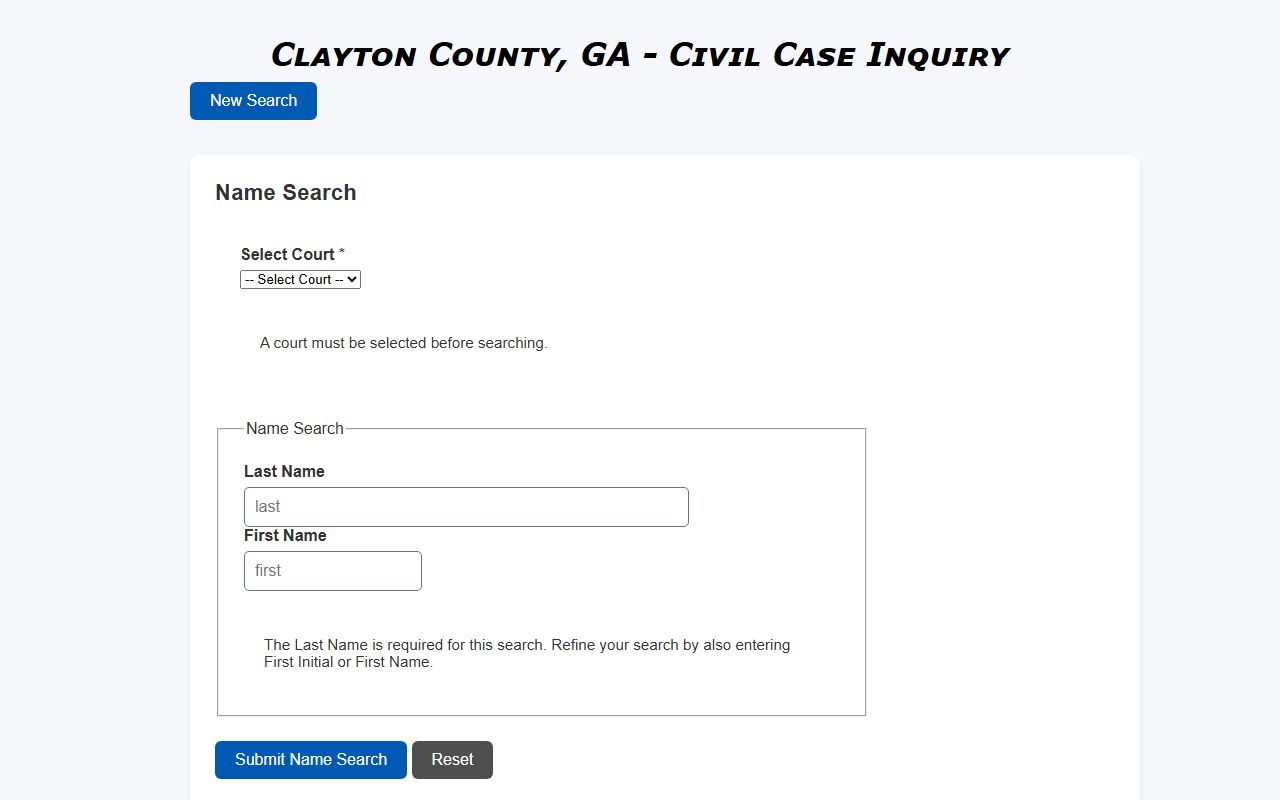
The civil name-search form pictured above asks for the court and the last name, and lets the user refine with a first name or initial.
Court Calendar Entries
A calendar entry on a Clayton docket is the scheduled court date. The sample case showed a 10:30 AM Room 205 Traffic Arraignment Calendar. The link on a calendar entry can open a calendar inquiry that lists every case on that day's calendar. Calendar types vary by court. Superior Court can show motion calendars, plea calendars, jury trial calendars, and pre-trial calendars. State Court has traffic arraignment, plea, and bench trial calendars. Magistrate Court runs small-claims and dispossessory calendars.
Users who need to confirm a hearing should check the docket the day before. New filings can move a case from one calendar to another. The clerk's office is the right place to call if the docket entry is unclear.
Common Clayton Case Type Codes
The case-number search splits the case number into year, type, sequence, and division. The type code is the part that tells you which kind of case to expect on the docket. The codes in the table below are taken from cases observed in the public portal.
| Code | Likely Meaning | Court |
|---|---|---|
| CV | Civil case | State or Superior |
| CR | Criminal case | State or Superior |
| TK | Traffic citation | State Court |
| WA | Warrant or warrant-related | Magistrate |
| CS | Civil docket entry | State Court |
Sample case numbers in the portal include 2022TK03066 D, 2021WA08628 KB, 2021CR06267 GG, and 1999CW62282 F. The two-letter code is in the same place across every case.
Reading Docket Status Codes
The status of a Clayton case shows up at the top of the case page and in name-search results. The values below were observed in the public portal during research. They tell users at a glance whether the case is open, closed, or moved to another court.
- Disposed — The case has reached a final disposition.
- Pending — The case is still open.
- Bound over to State Court — Magistrate file moved up to State Court.
- Bound Over to Sup. Ct. — Magistrate file moved up to Superior Court.
- See Paper File — Index entry exists; full electronic record is not online.
Older Paper Files and Pre-JIS Records
The portal exclusion notice covers cases filed before the court entered information in the Judicial Information System. Those records may still exist on paper at the clerk's office. The fastest way to confirm is to call the Clerk of Superior Court contact directory at (770) 477-3395 and ask the file-room staff to look up the case by year, party name, and approximate filing date. State Court paper files go through the Clerk of State Court and Magistrate paper files go through the Clerk of Magistrate Court.
Sealed and Restricted Dockets
Some Clayton dockets are not on the portal at all. Adoption, Juvenile Court, Probate Court, and protective-order cases are excluded by category. Sealed cases are excluded by court order. Restricted criminal-history records under O.C.G.A. § 35-3-37 affect what GBI releases, but a Clayton court docket may still exist for the case unless a separate sealing order was entered.
Note: A missing docket result does not always mean the case never existed; restricted, sealed, or pre-JIS cases will not return any rows.
How to Confirm a Hearing Date
To confirm a hearing date in Clayton, open the case in Court Case Inquiry and look at the most recent calendar entry. Compare the date with any court notice or e-notice. If the dates do not match, call the clerk for the court that issued the notice. The Clerk of Superior Court phone is (770) 477-3395. Court calendars can move on short notice when a judge is sick, when a calendar is reset, or when a case is bound over to another court.
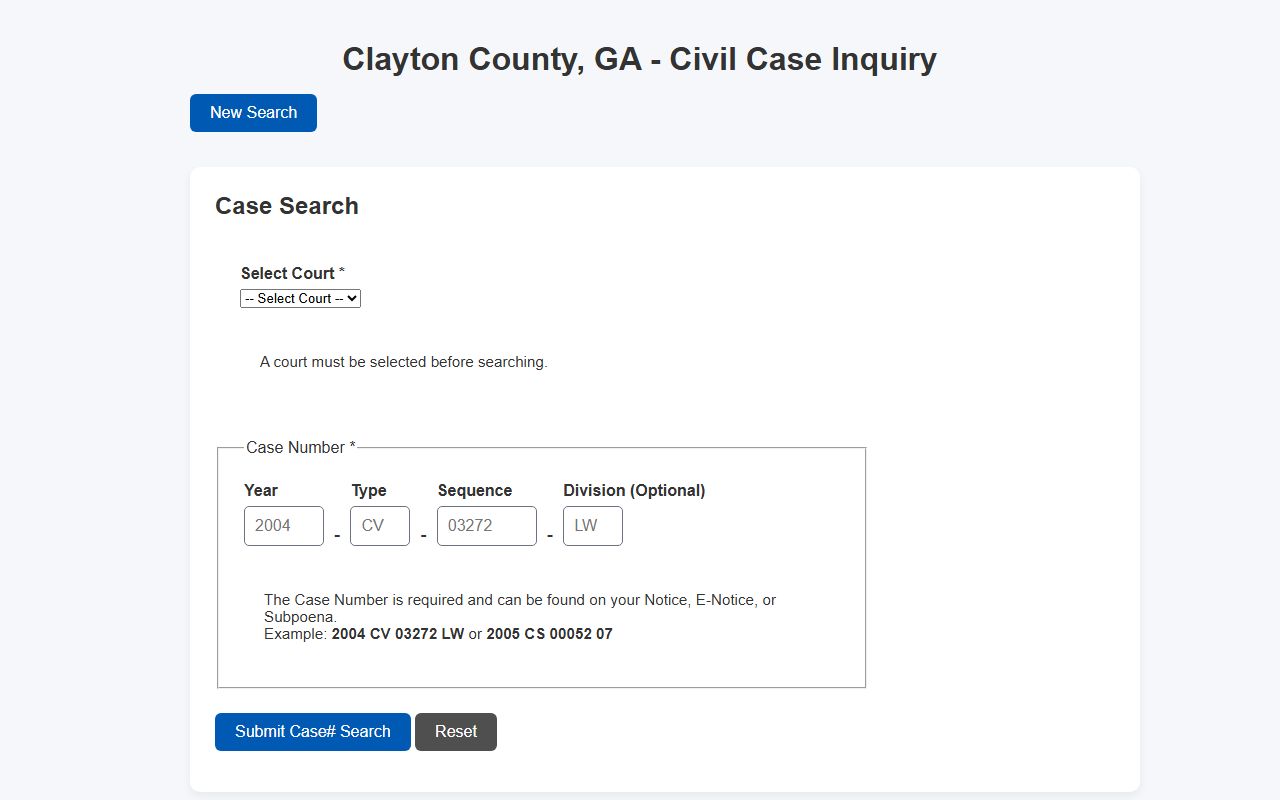
The case-number form pictured above is the fastest way to pull a docket if the case number is already known from a notice.
Online Docket vs Certified Document
The Clayton public docket is not the same as a certified court document. The portal returns docket metadata. It does not return scanned pleadings, motions, orders, or final decrees. If a docket entry shows a Final Case Disp, that confirms the case is closed, but it does not give the user a signed disposition sheet. Certified copies come from the clerk of the court that handled the case. The Clerk of Superior Court page says certified and regular court and real-estate records can be requested electronically around the clock.
Examples of cases that need a certified document, not just a docket print: name-change proof for the Social Security Administration, divorce-decree proof for a remarriage application, sentence proof for an out-of-state probation transfer, and an appeal record sent to the Court of Appeals of Georgia. For each of these, the docket is the starting point; the certified copy is the final product.
Courtrooms and Calendar Locations
The Banke Justice Center at 9151 Tara Boulevard holds the main Superior and State Court courtrooms. The sample case docket showed a Room 205 Traffic Arraignment Calendar, which sits inside that building. Magistrate Court calendars also run from the same court campus through the Clerk of Magistrate Court. Probate Court calendars run from Annex Building 3 at 121 South McDonough Street, and Juvenile Court calendars run from 9163 Tara Boulevard. Each court manages its own calendar and posts notice through its own clerk.
Visitors should arrive at least thirty minutes early to clear security. The metal detector and the bag screening can slow entry on a busy calendar morning. Firearms are prohibited in any Clayton County Court, even for carry-license holders.